Navigating the volatile world of cryptocurrency trading requires more than just gut instinct; it demands a powerful toolkit. While many platforms offer basic charts, TradingView stands apart as a comprehensive analytical powerhouse used by millions of traders globally. Its depth can be intimidating at first glance, but unlocking its core features will dramatically sharpen your market analysis. This TradingView crypto tutorial is designed to guide you through the essential steps to transform this robust platform from a simple chart viewer into your central command for crypto trading.
The true value of TradingView lies in its ability to synthesize data, community insight, and technical analysis into a single, intuitive interface. Learning to use it effectively is not about finding a magic button for profits, but about building a structured process to identify higher-probability trading opportunities and manage your risk with greater precision.
Also Read: How to Buy Ethereum: The Complete Beginner’s Guide
Laying the Groundwork: Your First Chart Setup
Your journey begins at the chart. Upon visiting TradingView, you’ll be greeted by a clean but powerful interface. The first step is to select the cryptocurrency pair you wish to analyze. Use the symbol search bar at the top; you can search for assets like “BTC” or “ETH” and then select your preferred trading pair, such as BTCUSD or ETHUSDT, from the list. This will load the default price chart.
Before you get overwhelmed, focus on three key initial settings. First, adjust your chart timeframe using the toolbar at the top. Are you a long-term investor? The weekly or monthly charts may be your focus. A day trader? The 15-minute or 1-hour timeframes will be your playground. Second, familiarize yourself with the drawing tools located on the left-hand sidebar. The horizontal line tool, for example, is indispensable for marking key support and resistance levels. Third, do not ignore the layout options. Saving your chart layout allows you to quickly return to your preferred setup, saving you time in every analysis session.
Also Read: CEX vs DEX: Which Crypto Exchange Is Right for You?
The Heart of Analysis: Indicators and Drawing Tools
This is where a practical TradingView crypto tutorial moves from basic navigation to true strategy development. The “Indicators” button at the top of the chart opens a vast library of technical analysis tools. The key here is not to use every indicator available but to find a few that complement your trading style and learn to use them well.
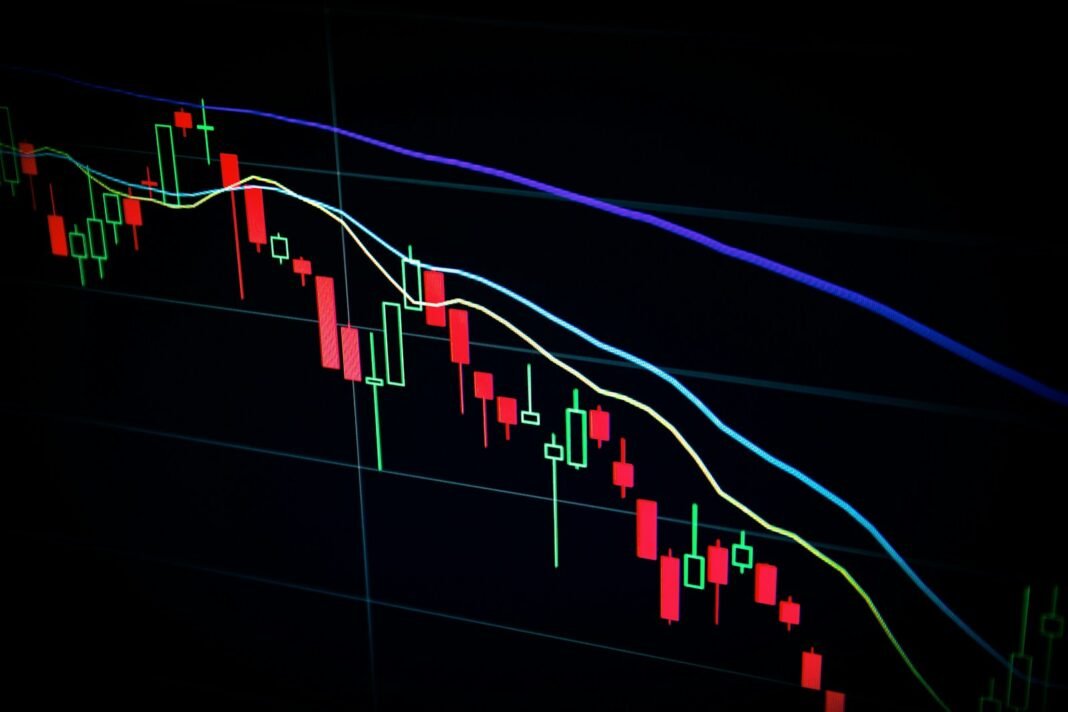
Many traders start with a combination of trend and momentum indicators. A simple yet powerful setup might include moving averages to help identify the overall trend direction and the Relative Strength Index (RSI) to gauge whether an asset is potentially overbought or oversold. The goal is to have indicators that tell you different stories; using three indicators that all measure momentum, for instance, is redundant and will only create confusion.
While indicators are automated, your own manual analysis with drawing tools is equally critical. Learning to correctly draw trendlines by connecting significant swing highs or lows can reveal the market’s underlying structure. The Fibonacci retracement tool is another popular feature for identifying potential support levels during a pullback within a larger trend. Remember, these tools do not predict the future; they help you identify areas on the chart where the probability of a certain outcome may be higher, allowing you to plan your entries and exits more strategically.
Also Read: Crypto Wallets: Hot vs Cold Storage Comparison

Integrating Ideas and Managing Your Trades
A feature that truly sets TradingView apart is its social and educational ecosystem. Just below the chart, you will find the “Ideas” section. Here, thousands of traders from around the world publish their own chart analyses and trade theories. This is not about blindly following someone else’s call. Instead, use it as a learning lab. See how other traders are applying indicators, how they are drawing their lines, and what rationale they provide for their bias. This can expose you to new strategies and help you refine your own analytical process.
Finally, no TradingView crypto tutorial is complete without discussing trade management. The platform’s interactive tools allow you to plan your entire trade directly on the chart. You can use the long or short position tool to mark your proposed entry point. Then, you can draw horizontal lines to clearly visualize your stop-loss level, which is crucial for risk management, and your profit-taking targets. Having this visual plan laid out before you enter a trade instills discipline, helping you to stick to your strategy and avoid emotional decisions when the market becomes volatile.
Mastering TradingView is a journey, not a destination. Start by getting comfortable with the basic chart and a few key indicators. Gradually incorporate drawing tools and explore the community ideas. By treating it as your primary workspace for analysis and planning, you will find yourself making more informed, confident, and disciplined trading decisions in the dynamic crypto market.